FEATURE
SHIORI Features

Three Features That Eliminate
Waste in the Workplace
FEATURE01
Write on your forms as they are
directly on
a tablet
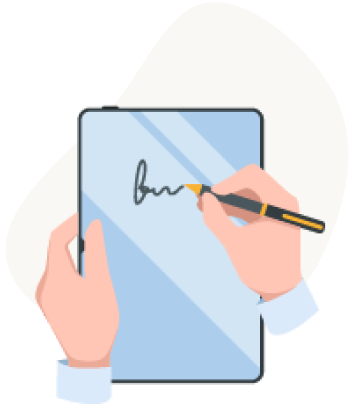
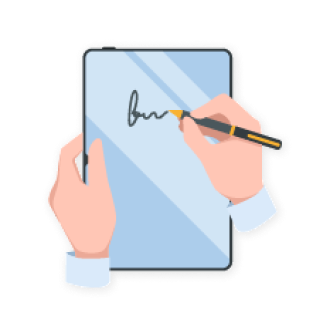
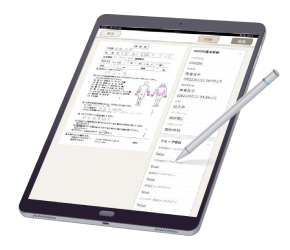
Your current paper forms can be imported and digitized exactly as they are. There is no need to change your business procedures for digitization, so implementation goes smoothly.
Unlike real paper, you can rewrite as many times as you like, and by choosing colors and pen thickness, a wide range of expression is possible.

FEATURE02
Completed forms can be
organized and stored,
searched, and re-edited
with ease
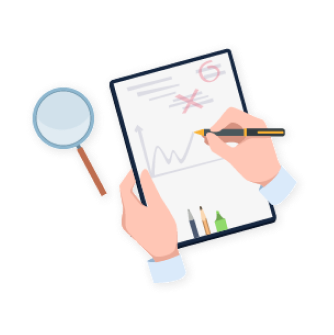
Forms can be organized by department, project, or machine number, just like your current filing system, and searching is easy. You can also re-edit retrieved forms, such as adding further notes.
FEATURE03
Turn handwriting into data and connect it
= Turn assets into management insight
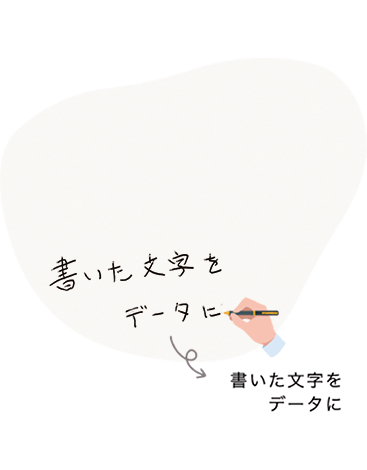
Handwritten text can be recognized and output as text data, eliminating duplicate work such as re-entering notes you have already written. It also lets you capture information that could not previously be collected.
Key Functions
Want to Learn More
About SHIORI?

We have prepared materials that give you an overview of SHIORI.
Please take a look.